Platform
ArchitectGeneral contractorSupplier
Demo
PlatformBIM Engine for architectsMaterial Engine™Specify real products, hand off a clean schedule.Reconstruction Engine™Turn a site scan into measurable as-built geometry.Inspection Engine™Document existing conditions as a report you can issue.Material catalogBrowse real products by brand and origin, order samples.
PlatformBIM Engine for general contractorsMaterial Engine™Send RFQs from the schedule, track every delivery.Inspection Engine™Walk the site, send the report the same day.Reconstruction Engine™Verify installed work against the design geometry.Material catalogCheck stock and lead time before the RFQ goes out.
PlatformBIM Engine for suppliersMaterial Engine™Receive RFQs from teams sourcing, quote on the spot.Become a supplier partnerList your catalog and win pre-qualified RFQs.
Demo

BIM Engine for

  • Architect
  • General contractor
  • Supplier

Marketplace

  • Material catalog

Company

  • Media kit
  • Contact

Legal

  • Privacy
  • Terms
  • Security

Socials

Ask about BIM Engine:

Stop building up paperwork.Start building buildings.

The engines

Every package, from buyout to closeout, on one record.

Material Engine™Buy out the package, not the phone tree.

Explore Material Engine/material-engineExplore Material Engine/material-engine
Buyout

Inspection Engine™Walk the site, leave with the report.

Explore Inspection Engine/inspection-engineExplore Inspection Engine/inspection-engine
Construction administration

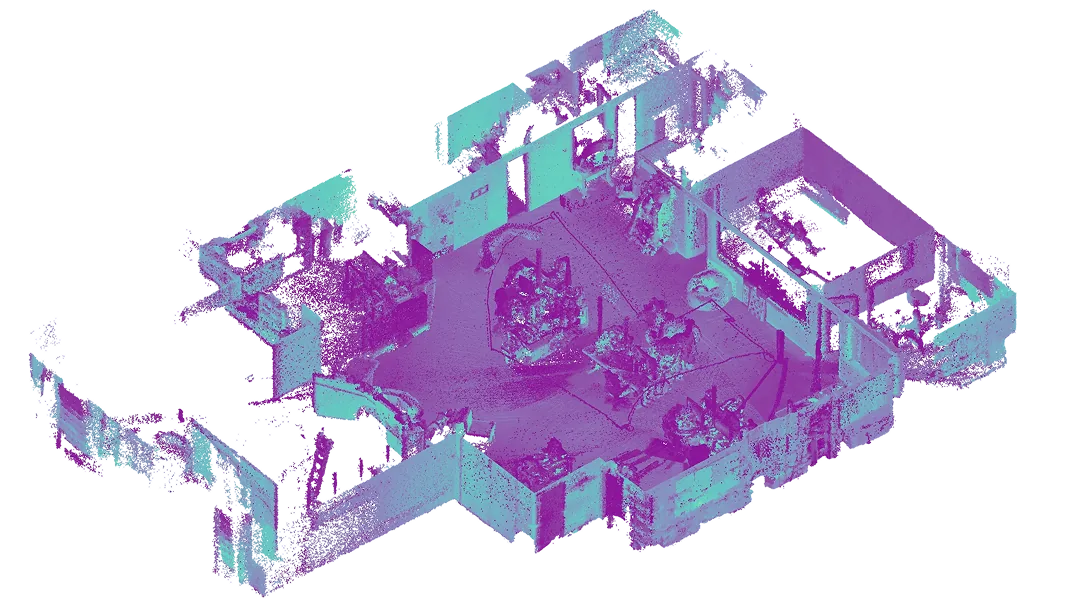
Reconstruction Engine™The as-built arrives on the record you already use.

Explore Reconstruction Engine/reconstruction-engineExplore Reconstruction Engine/reconstruction-engine
Closeout
BuyoutConstruction administrationCloseout

Inside the portal

The buyout desk, one screen at a time

Issued

Harbor House, Sep 08 walk

Level 02 · East wing

PhotosDescription
Contractor
Inspection Engine™

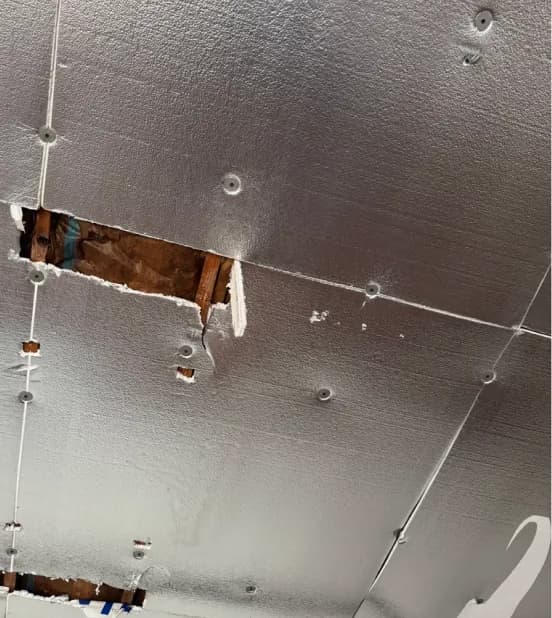
Unsealed ceiling opening exposes framing above.

Solution Engine™

Patch and seal before closeout.

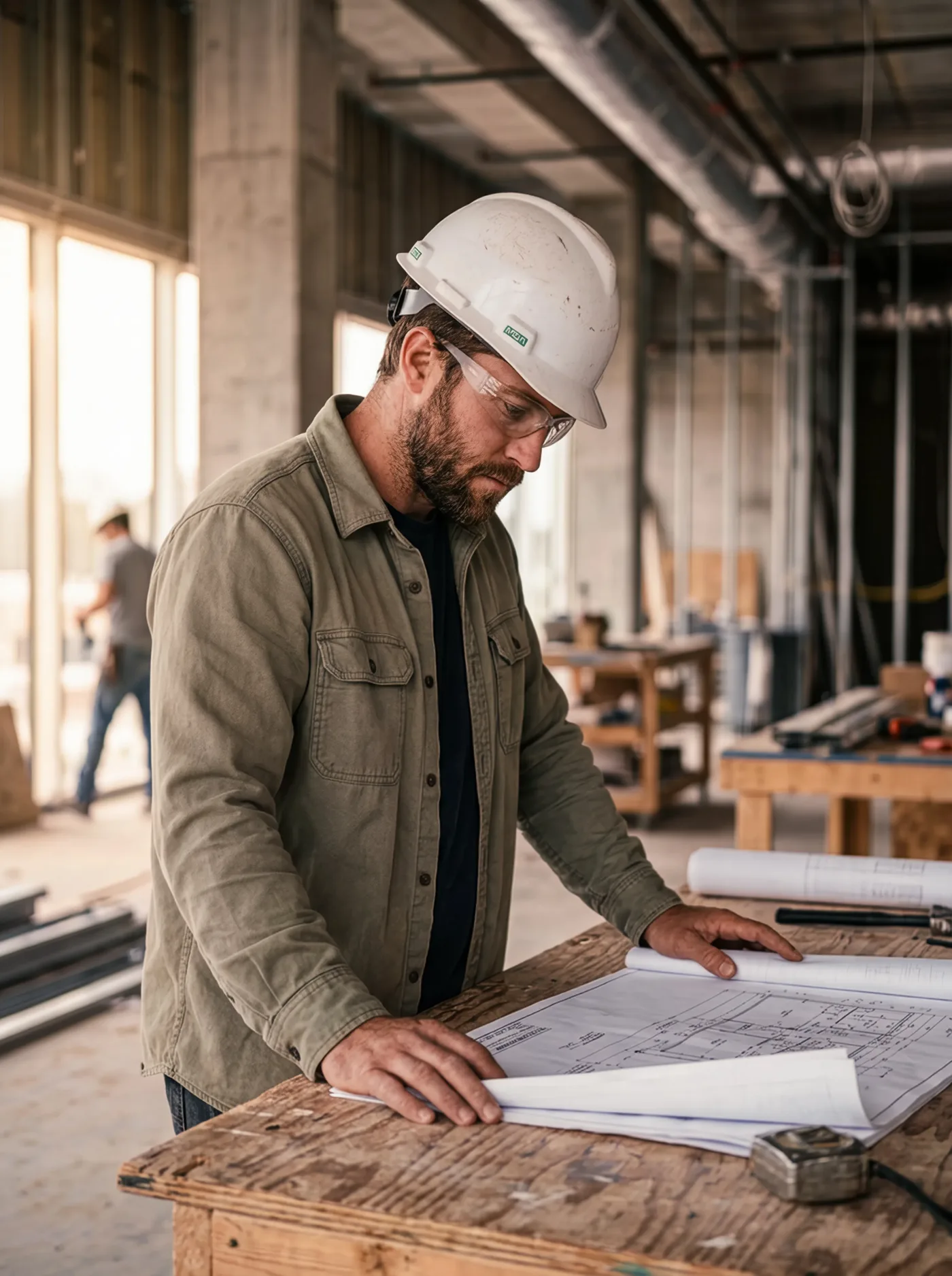
A general contractor in a hard hat and safety glasses reading drawings on a plywood table at the jobsite.
Ready at the supplierPicks up Aug 19
Inbound to jobsiteArrives Aug 21
At the jobsite gateSigned Aug 21
TypeStatusShipped
OrderScheduledOn the wayDelivered-Aug 19, 2026Aug 19, 2026
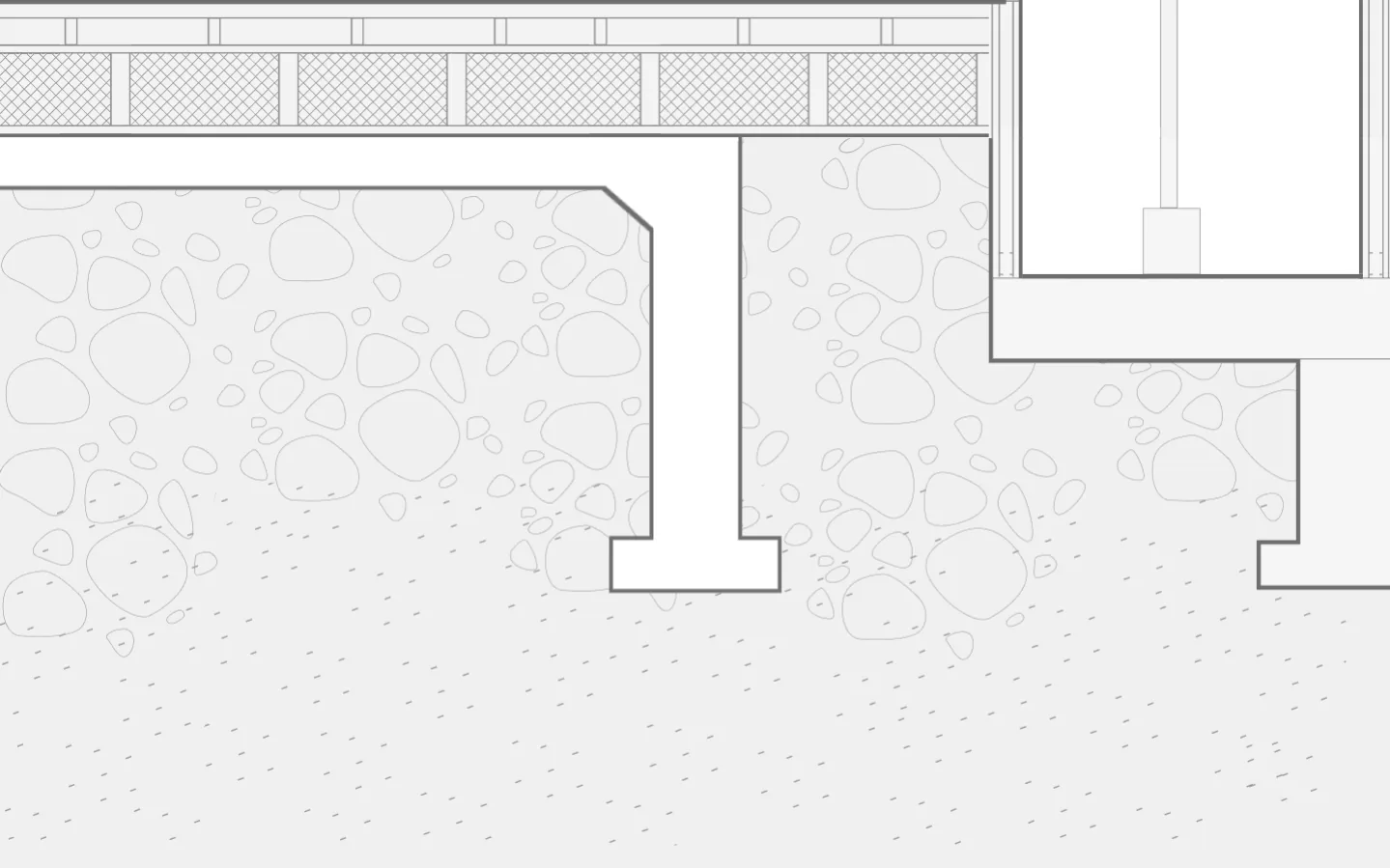
Reconstruction Engine™
Contractor
Ridgeline TowerReady to ship
Ceramic tile1,200 sf$9,250
Glass mosaic640 sf$6,380
Acoustic panel40 ea$4,120

Ships 12 Sep · Freight

Bid more. Win more. Build more.From scope to siteEvery package, bought out

In numbers

What one record adds up to.

0+ Active teams across AEC workflows.

DesignBuildSupply

$0.0M Quotes processed in one place.

0K Products listed, ready to use.

FAQ

BIM Engine is an AI platform that runs the field and the back office on one system. It reads the drawings and the paperwork, and keeps procurement, inspections, and as-builts moving together.

General contractors and construction managers, from a single crew to a multi-project builder. Project managers, superintendents, and the office share one workspace instead of trading spreadsheets.

Material Engine turns a package into supplier quotes and purchase orders, Inspection Engine writes field reports from photos and voice notes, and Reconstruction Engine builds as-builts from site scans.

Your drawings, models, quotes, and documents stay yours. We do not train public models on your project data, access is scoped to the project, and every extraction keeps a link back to the source page it came from.

A general model can summarize a submittal. It cannot raise the purchase order, hold the lien waiver, or track the delivery. BIM Engine carries the whole chain, so the answer becomes an action on the project.

Book a demo and we walk your own project through the engines with you. Most teams start with one live project, one workflow, and add the rest once it is running.
Build buildings with AI · Drawings in, documents out · One system for the field and the back office · Specify, quote, procure, inspect · Build buildings with AI · Drawings in, documents out · One system for the field and the back office · Specify, quote, procure, inspect · Build buildings with AI · Drawings in, documents out · One system for the field and the back office · Specify, quote, procure, inspect · Build buildings with AI · Drawings in, documents out · One system for the field and the back office · Specify, quote, procure, inspect · Build buildings with AI · Drawings in, documents out · One system for the field and the back office · Specify, quote, procure, inspect · Build buildings with AI · Drawings in, documents out · One system for the field and the back office · Specify, quote, procure, inspect · Build buildings with AI · Drawings in, documents out · One system for the field and the back office · Specify, quote, procure, inspect · Build buildings with AI · Drawings in, documents out · One system for the field and the back office · Specify, quote, procure, inspect · Build buildings with AI · Drawings in, documents out · One system for the field and the back office · Specify, quote, procure, inspect · Build buildings with AI · Drawings in, documents out · One system for the field and the back office · Specify, quote, procure, inspect ·